

Image Files | Transparent Backgrounds


Transparent Backgrounds
Sometimes inline images have more visual impact if the "background is removed." For example, consider the following two inline displays of the same image; the first has the background displayed and the second has it suppressed:
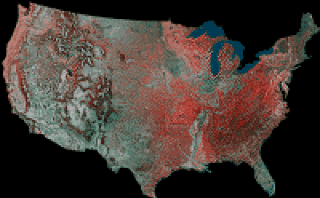
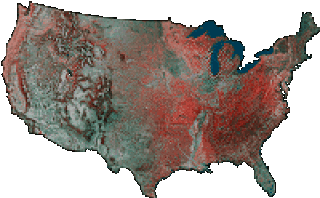
In the second example, the background is not actually removed. Instead, the background color is effectively set to be the color of the browser display; this is equivalent to making it transparent. Note that one color (and only one color) is "removed", and this color will be "removed" wherever it appears in the figure. Consequently, this technique is really only effective if the background is a single color and this color appears only in the image background.
There are several commercial programs that can make backgrounds transparent in GIF images. Smartsaver from Ulead, Paint Shop Pro from Jasc, and Lview's Lview Pro are examples. These programs cost from $60 to $100, but of course they also provide many other capabilities. (Currently, there is still no reliable technology for making backgrounds transparent in JPEG images.)
An alternative to these commercial products
is provided by giftrans, which can be found
here.
This program is not Windows based, which some may consider a drawback.
It's a DOS program, but it is very easy to use.
Click here if you'd like to learn how the program
works.